Booking
Sites, rooms, services, practitioners and the rota. The calendar, the booking page and everything an ordinary day is made of.
HUCE Booking Ready for the first customers
A booking system for clinics and treatment centres. Customers book online, and the calendar keeps track of rooms, practitioners and shifts. All of it runs on your own domain, in your own design.
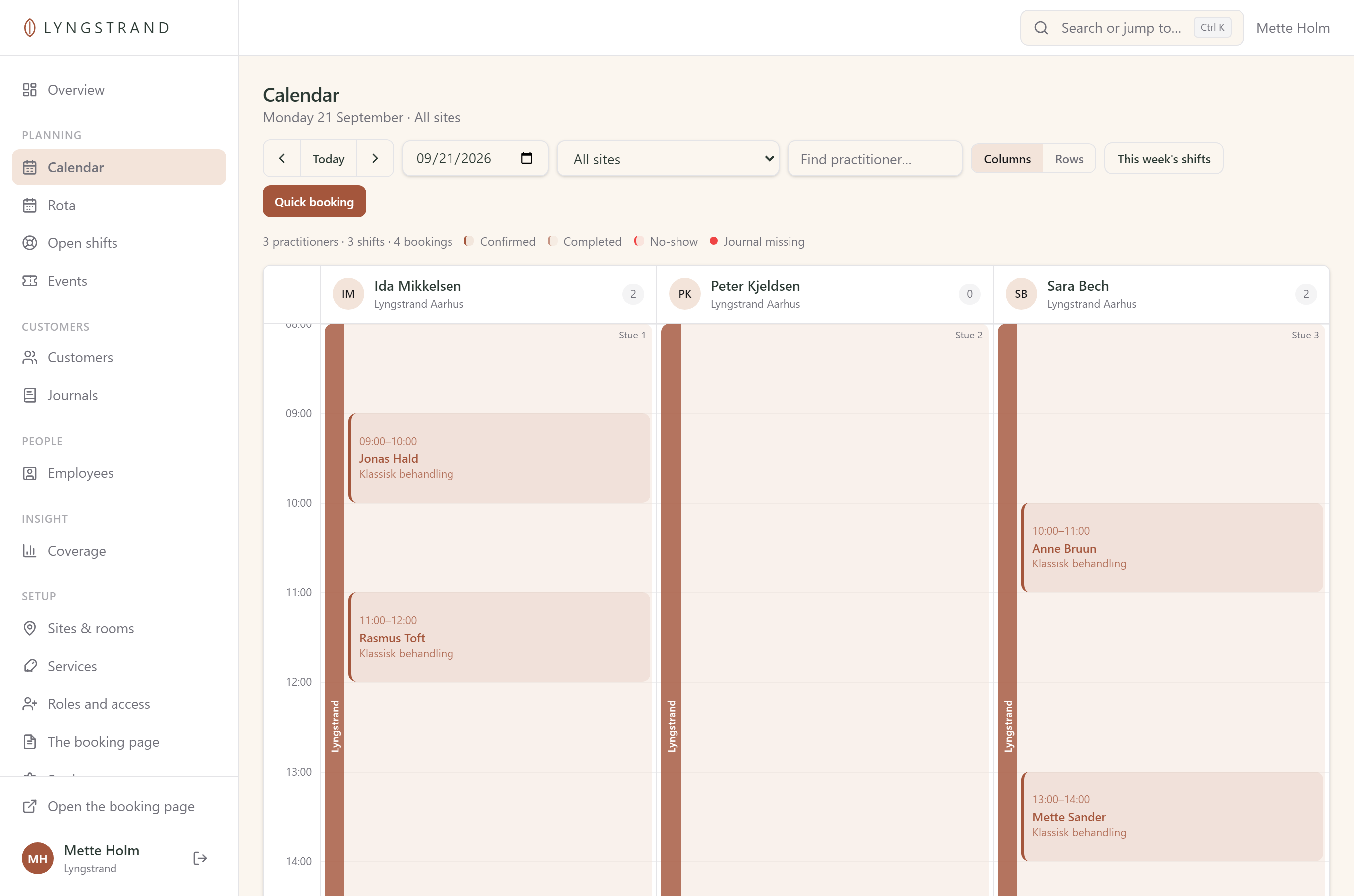
One example, all the way through
Three clinics, 24 practitioners and a handful of company agreements. The rest of this page shows their week, screen by screen.
Lyngstrand does not exist. It is a made-up example, and every name, number and screen on this page was produced for the purpose — none of it comes from a customer's data.
What the customer sees
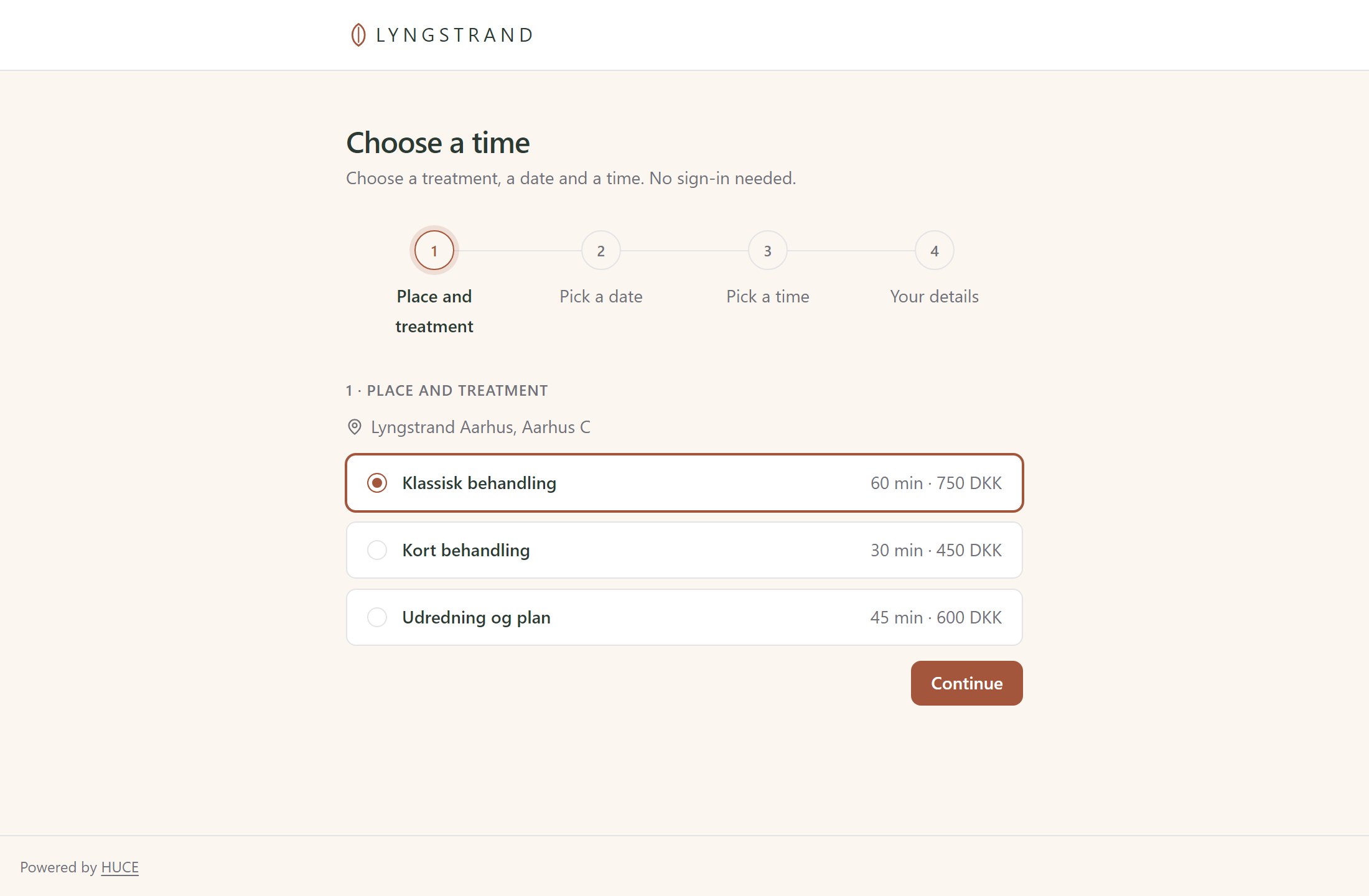
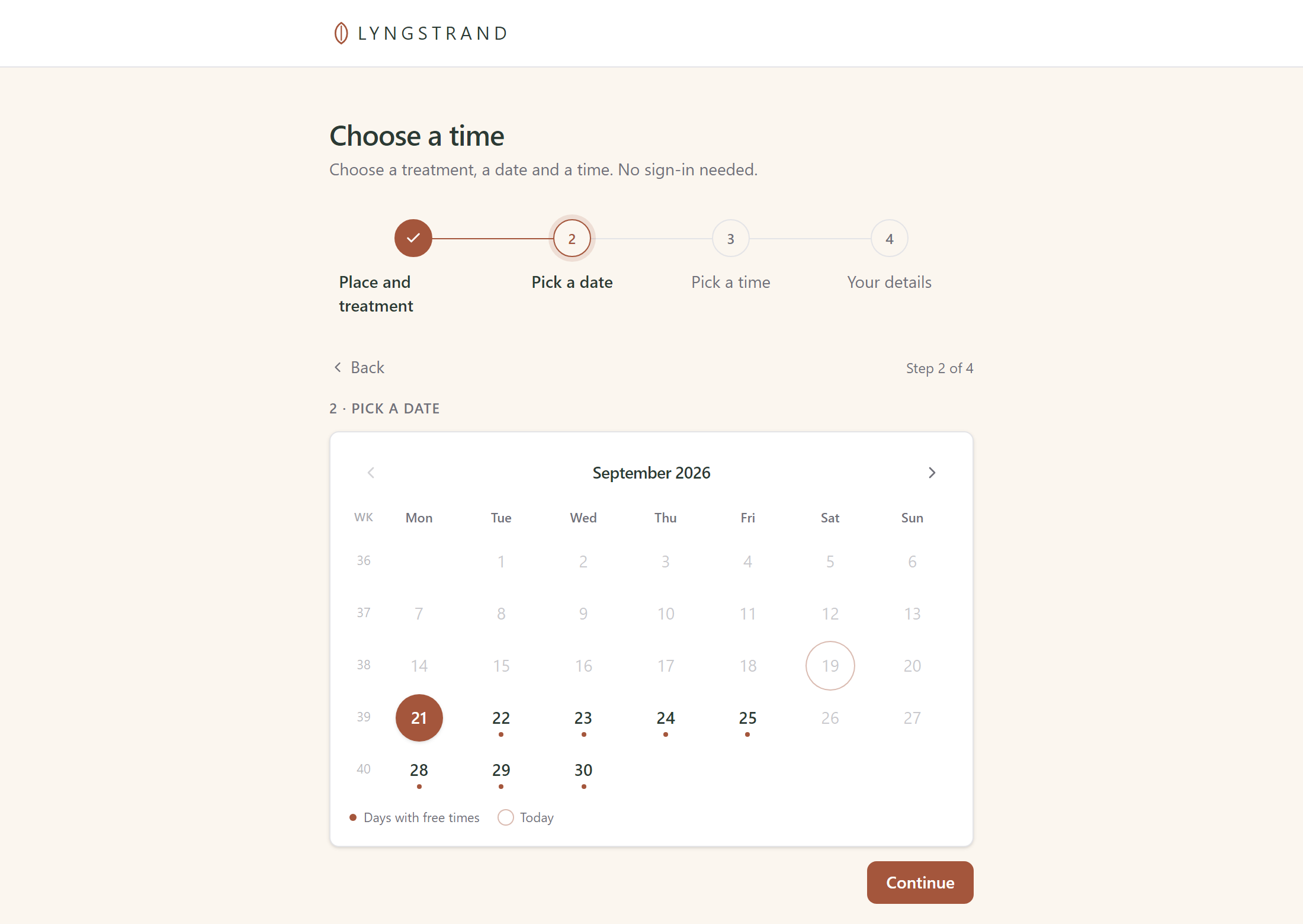
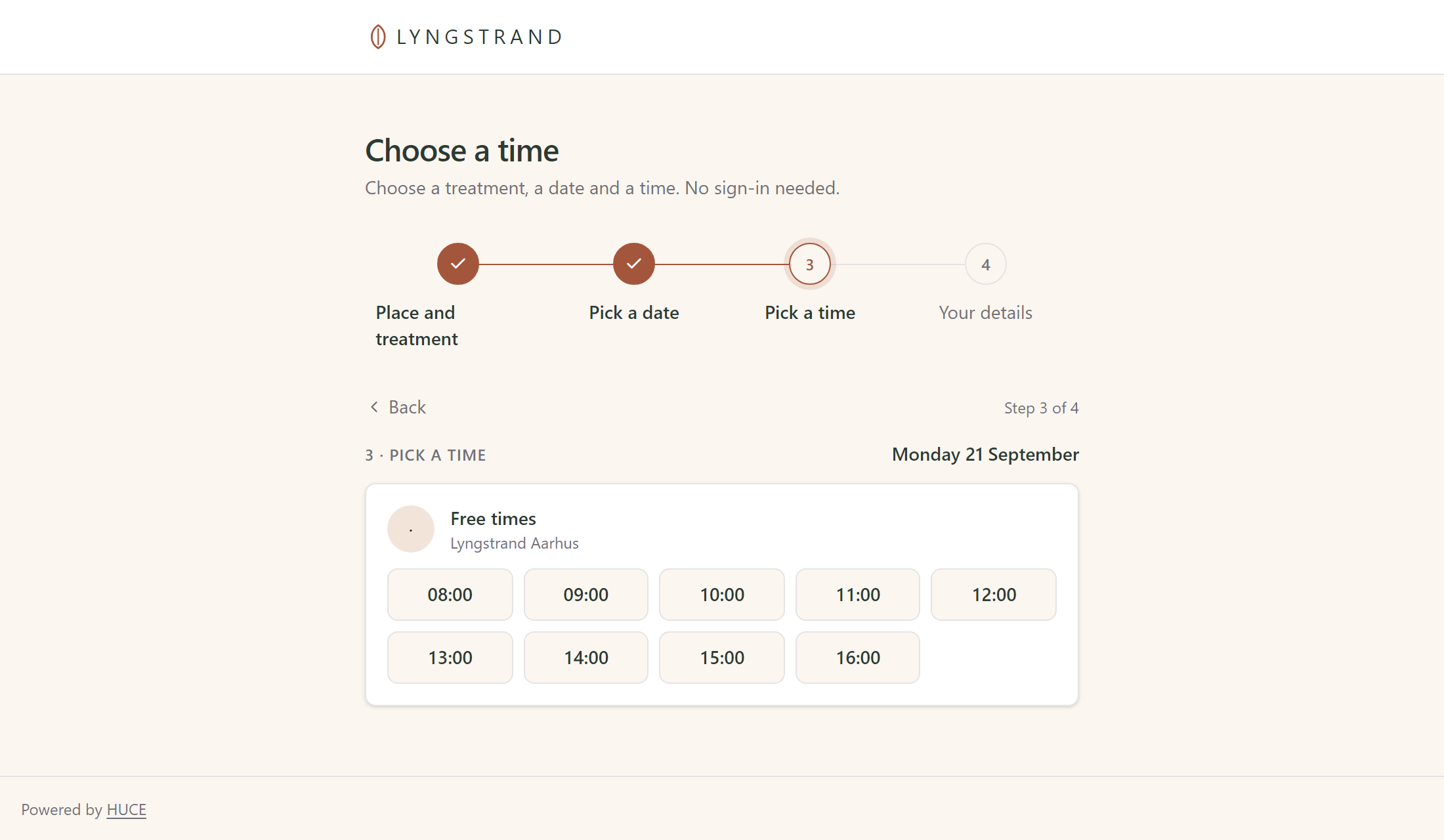
The customer picks a site, a service, a day and a time, and types their name. Nothing more. If only your members book with you, they get a one-time link by e-mail instead of a password they have forgotten anyway.
The booking page can be placed inside your own website, so the customer is not sent off to an address they do not recognise. You decide which websites are allowed to show it.
Behind the desk
Every room and every practitioner stands side by side. When a customer rings to cancel, you move the booking with one click — the system already knows whether the time is free, whether the room is taken, and whether that practitioner may carry out the treatment.
The rota
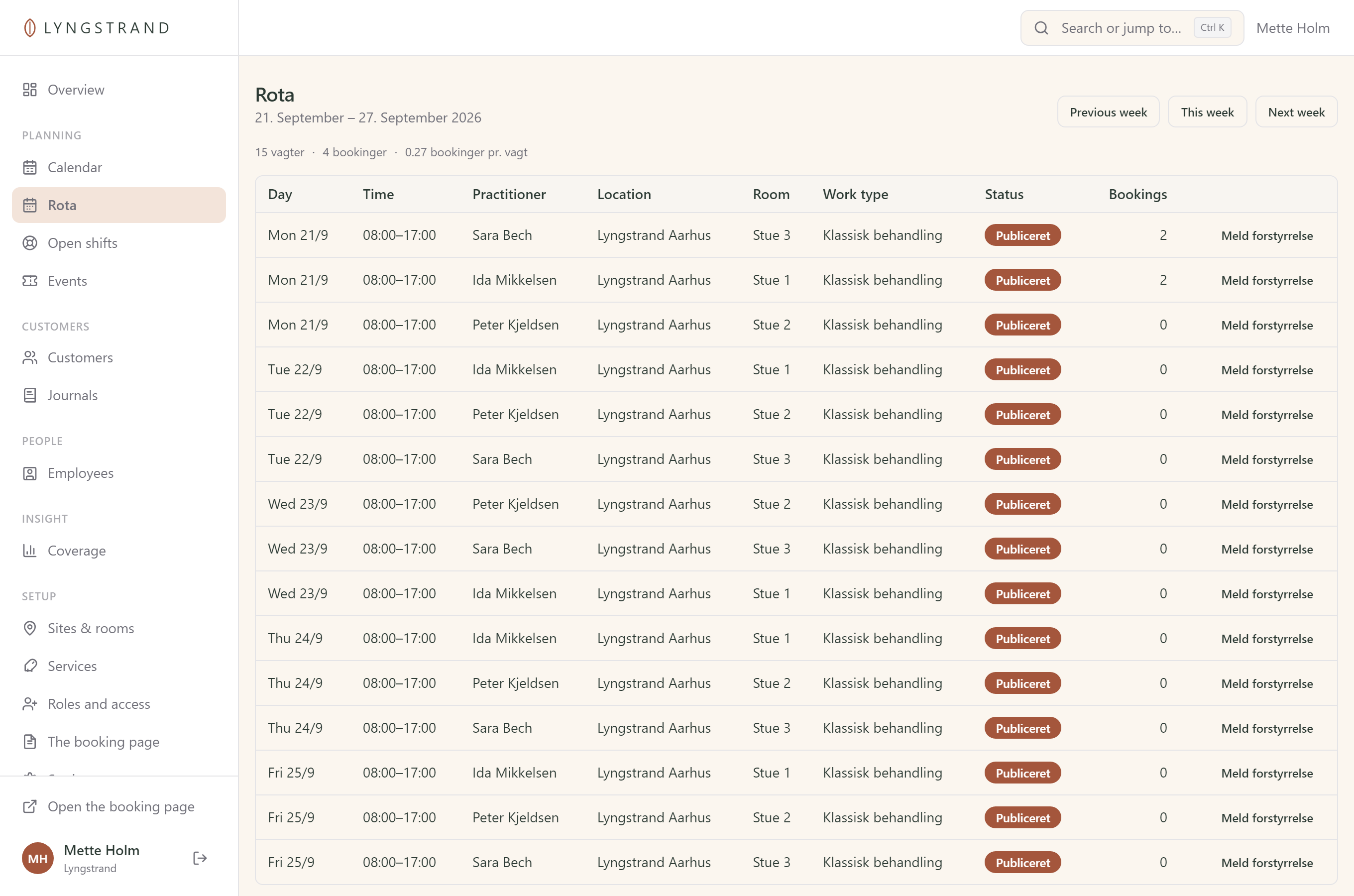
Lay a week at a time from a template. The system watches rest periods, weekly hours and travel time between clinics, and objects immediately — not first when payroll is run.
When a practitioner calls in sick, the system passes the shift on to those who hold the qualifications, one at a time. The first to accept gets it. No group text, and nobody arrives too late.
Company agreements
A company buys an agreement with a period and a number of clips. Their employees book against it, the clips come off automatically, and you can see at any time how much each company has used.
Events
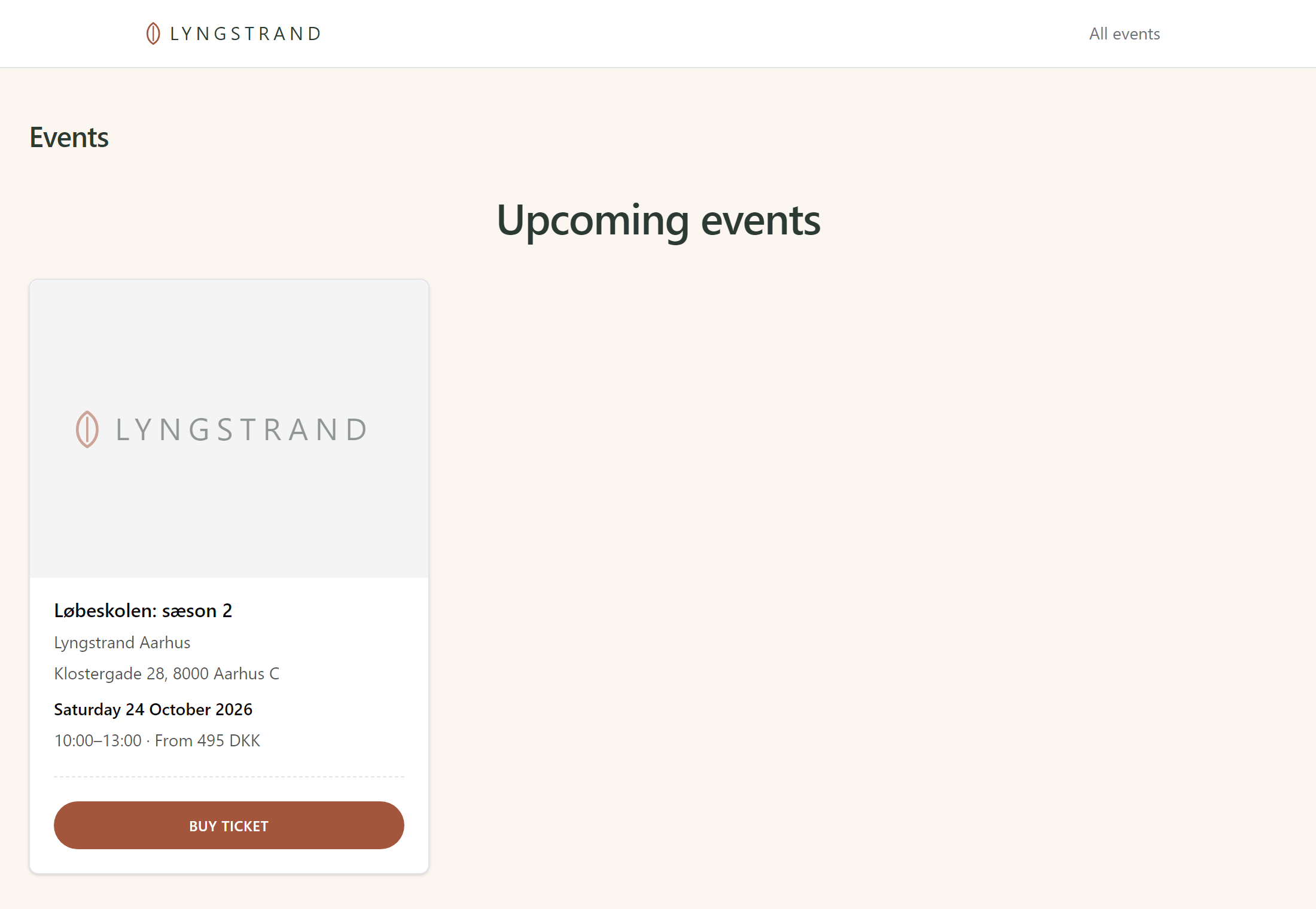
A course has tickets and a cap on places instead of a practitioner and a room. It gets a page of its own, and at the door you scan the ticket instead of looking for the name on a list.
Getting started
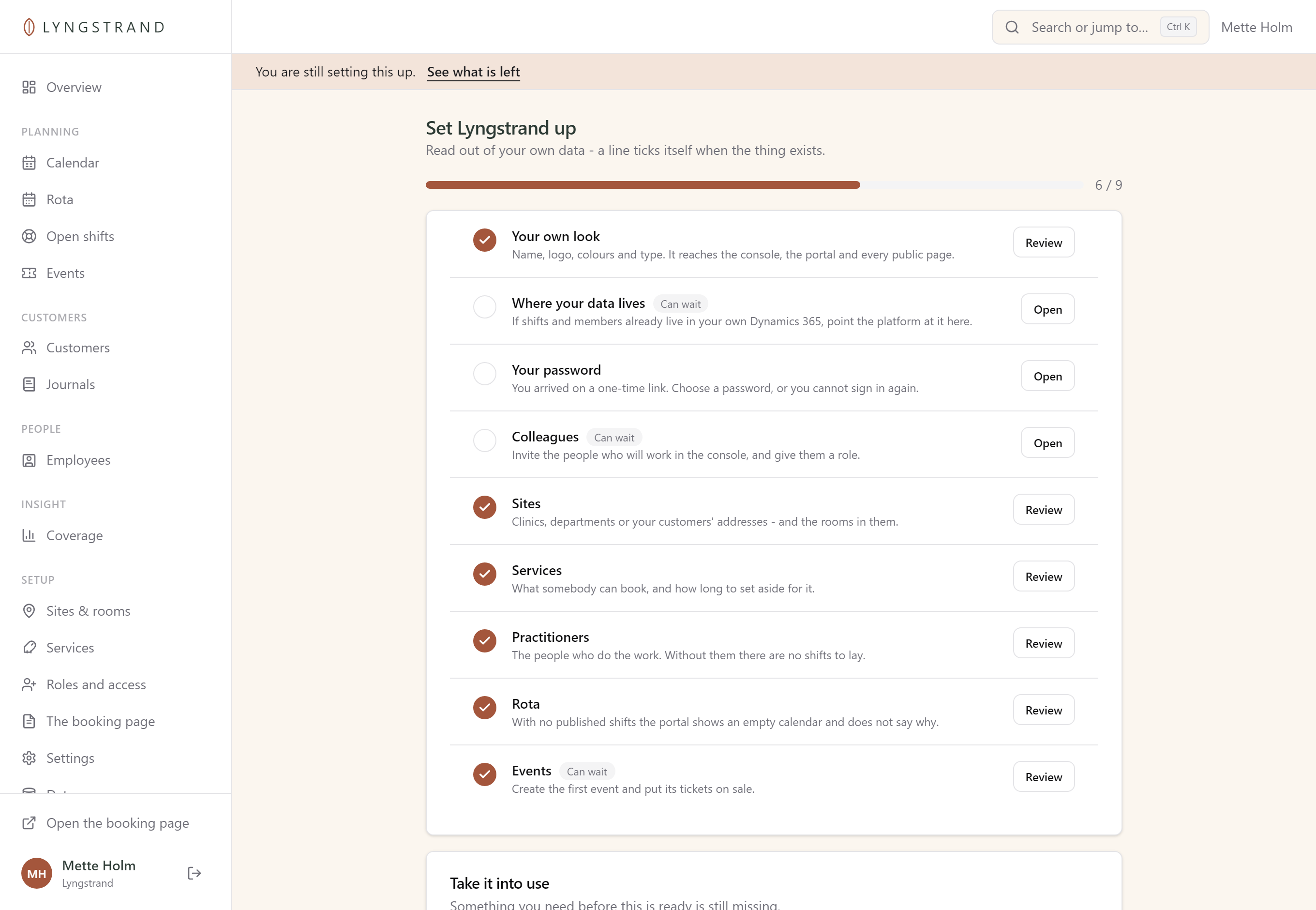
You get a link by e-mail. It signs you in the first time, so no passwords have to be passed around, and it opens a list of what is still missing. The list is built from your own data and ticks itself off as you create things.
Each line is a shortcut to the screen where the job gets done. When the necessary parts are in place you take the system into use, and the list disappears.
Your name, not ours
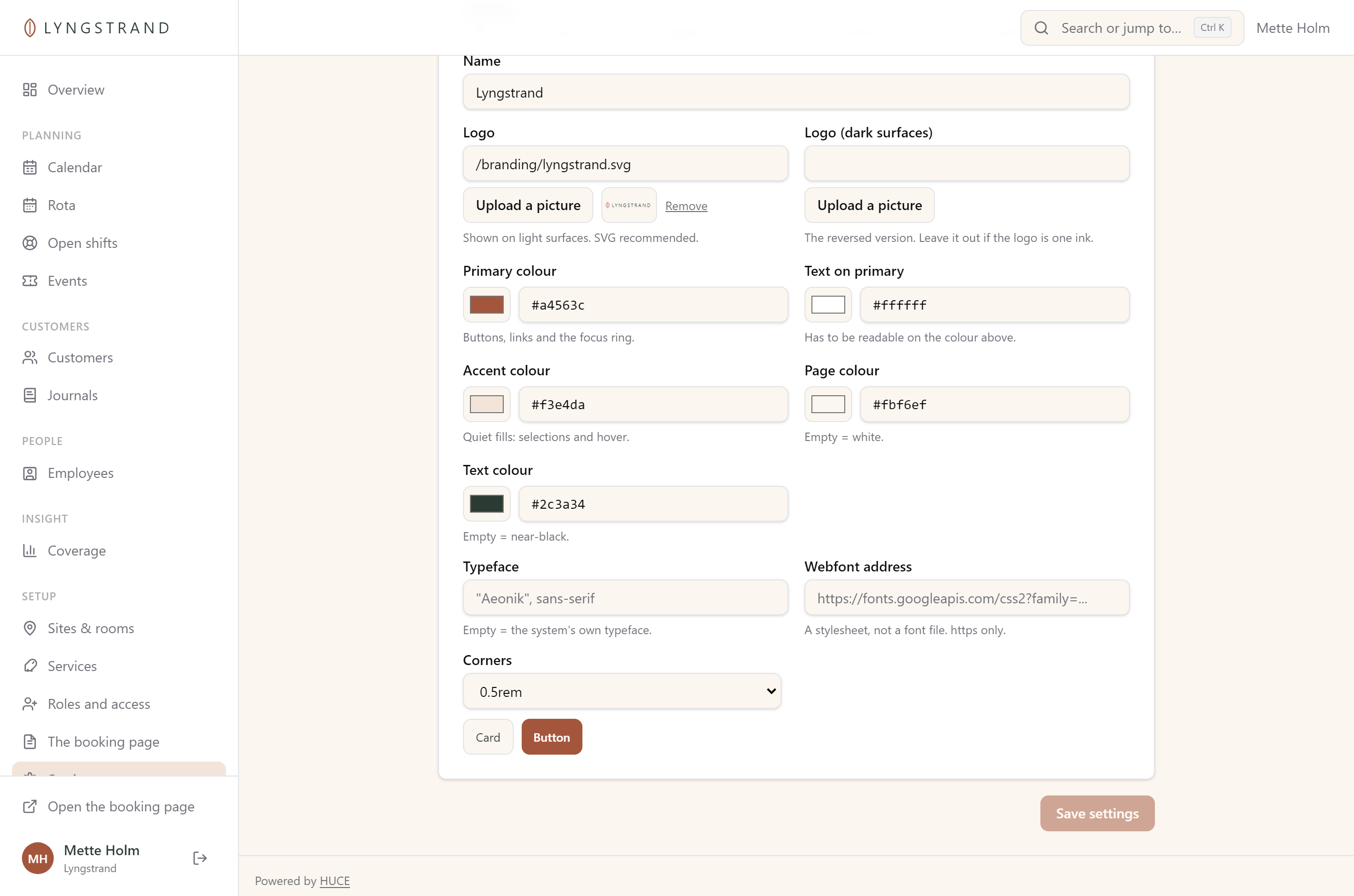
You set up the logo, the colours, the typeface and the corners once, and it reaches everywhere: the console, the customer portal and every page your customers see. The booking page lives on your own domain — not on ours with your name in it.
Where your data lives
Every customer gets a database of their own. Not one shared database with a customer number in every row. If we part company one day, you can have your data handed over as a single file.
If your practitioners, agreements and shifts already live in your own Dynamics 365, they stay there. A wizard connects your tables to the platform's, checks the setup against your environment and reads sample records before anything is saved. HUCE Booking reads from there and never writes into what you own.
Modules
The modules are off to begin with. When one is off it is not in the menu, and you do not run into it anywhere. That is why the system does not feel big, even though it can do a lot.
Sites, rooms, services, practitioners and the rota. The calendar, the booking page and everything an ordinary day is made of.
Customers can belong to a company that holds an agreement with a period and a number of clips. The employee then books against the company's agreement instead of paying themselves.
Notes on the treatment, encrypted in the database and visible only to those you have given access. A clinic needs them. A workshop does not, and then the word never appears in the menu.
When a time is taken, the customer joins the list. When it frees up, the first in line hears about it straight away, without anyone having to remember.
Courses, talks and classes with tickets, a cap on places and check-in at the door. They get a page of their own that needs no booking account.
Gaps in the calendar you can still fill: see where demand is missing and write to the customers who usually come at that time.
Prices
No set-up fee, no lock-in and no charge per booking. You can change plan from month to month, and you only pay for the modules you have switched on.
The first 30 days are free, so you can set everything up and try it out before an invoice is sent.
DKK 249 per month
One clinic with a couple of practitioners.
DKK 549 per month
Several addresses and a rota that has to add up.
By agreement ask for a price
Your own systems, many addresses or many company agreements.
Add-ons: clinical notes DKK 99, events DKK 99 and waiting list DKK 49 per month. Texts to customers and practitioners are billed as used.
All prices exclude VAT.
The groundwork
Nobody sees anything until you have granted it. A scheduler can be given one clinic, a receptionist their own day, and a stand-in only what the shift requires.
Rest periods, weekly hours and travel time between clinics are counted while the shift is being laid. Not afterwards, when it is already in the calendar.
When a shift comes free, the practitioners who hold the qualifications are asked one at a time. The first to accept has the shift.
A customer can be given everything you hold on them, and can ask to be forgotten. Both are a button in the console, not a job for a developer.
Who moved that booking, and when? Every change that matters is written down automatically.
The whole system exists in both languages. Including the error messages, which are the ones that hurt most to read in a foreign tongue.
Let's talk
Tell us how you book today and where it goes wrong. Then we will work out whether HUCE Booking is the right answer for you.
christian@huce.dk